Install ONIXEDIT Bookstore
ONIXEDIT Bookstore is a Shopify App. Therefore, you can install it directly from the Shopify App Store by following these steps.
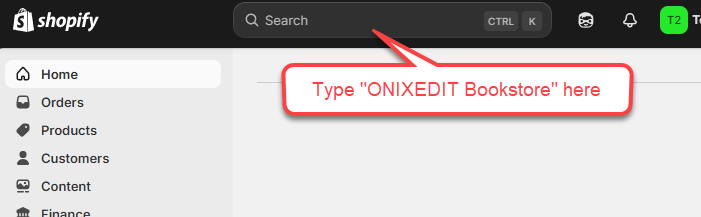
1-From your Shopify home page, type "ONIXEDIT Bookstore" in the search bar to find the app.
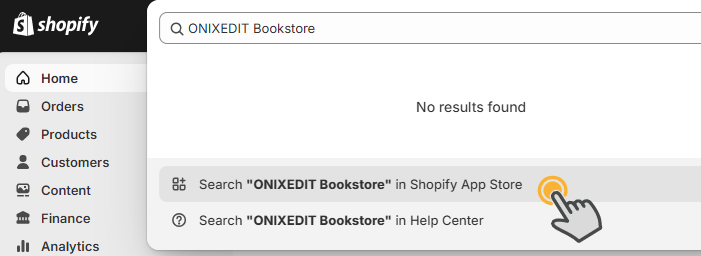
2-Now select "Search for ONIXEDIT Bookstore in the Shopify App Store".
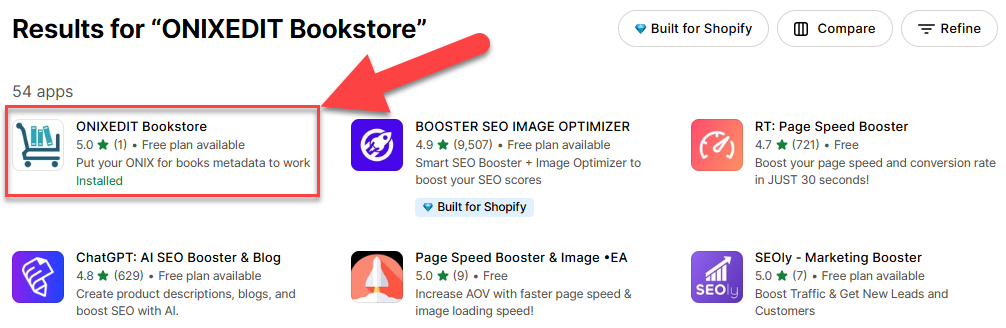
3-In the App Store, select ONIXEDIT Bookstore.
4-Click on the "Install" button:
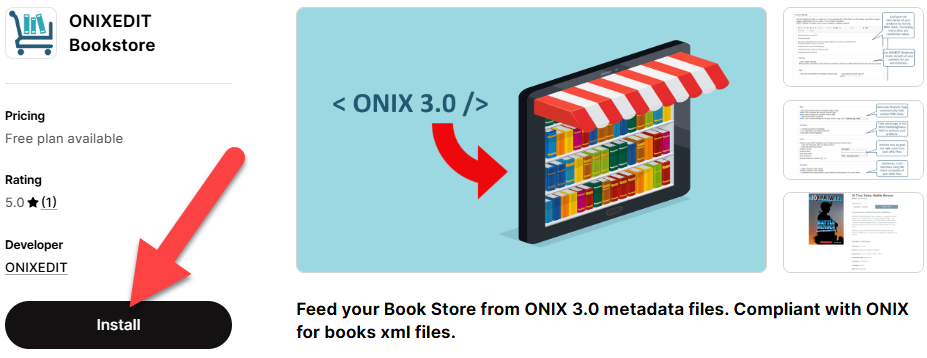
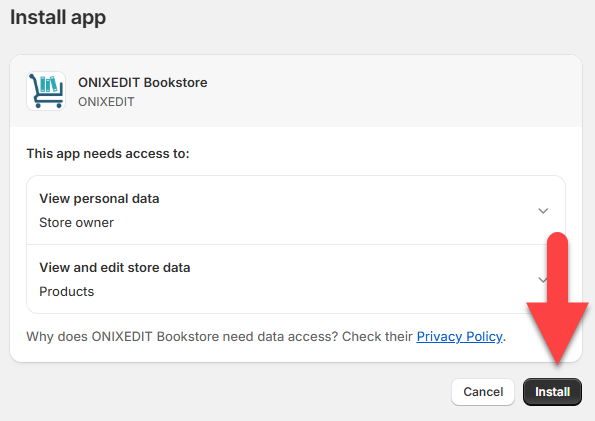
5-The following screen will appear. Click "Install" again:
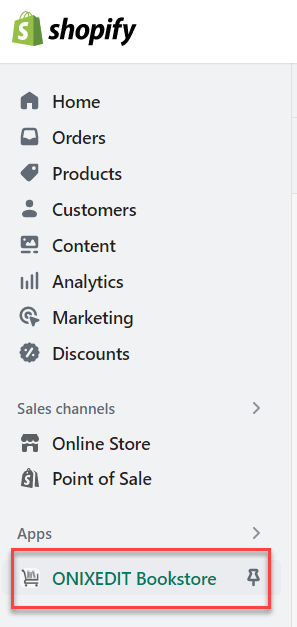
…and ONIXEDIT Bookstore now appears in your Apps, ready for use!
Created with the Personal Edition of HelpNDoc: Produce electronic books easily