Manage Columns tab
The Manage Columns tab allows you to define which fields to show in your main title list when you open an ONIX file. You can set different columns for each ONIX standard (2.1 and 3.0). By default, the following columns are defined:
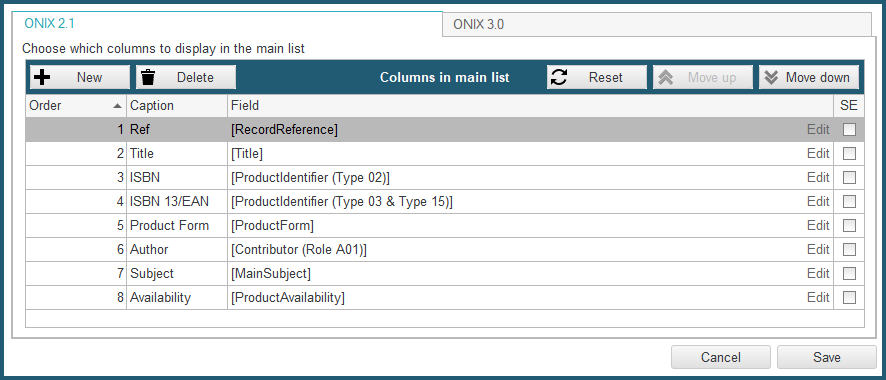
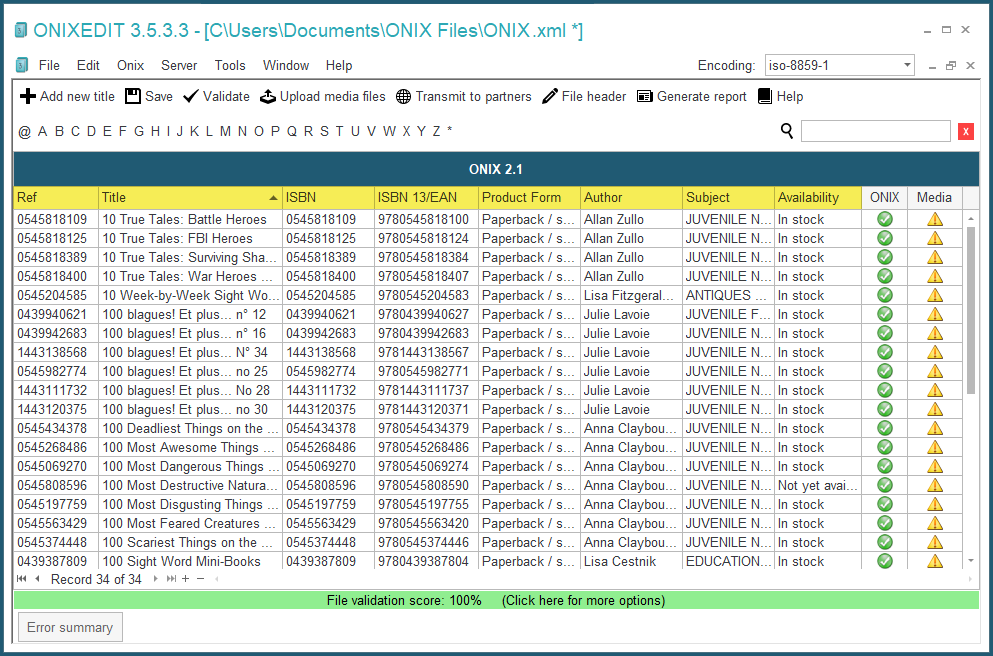
If you open an ONIX file with the above configuration of columns, this is what you will see:
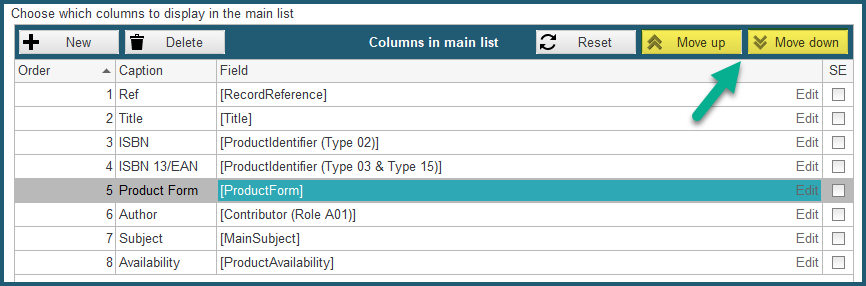
You can change the presentation order of those columns using the Move Up and Move Down buttons:
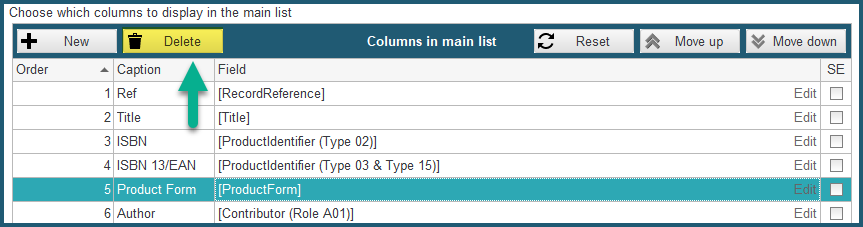
You can also Delete columns that you don't need using the Delete button:
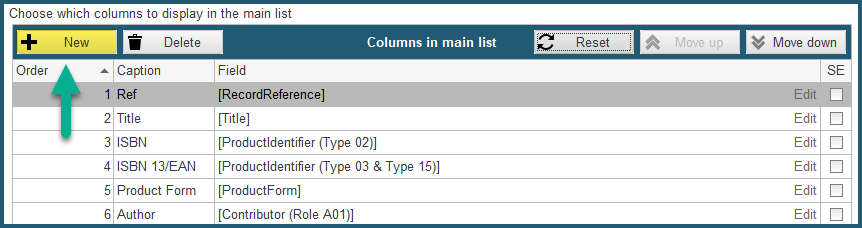
And finally, you can define new columns with the New button:
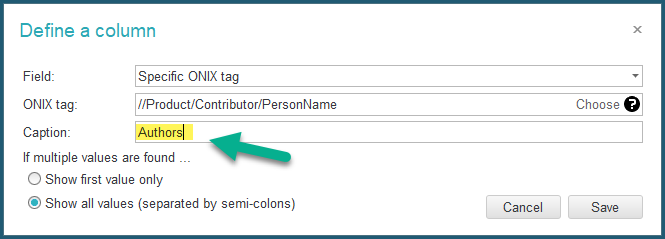
When you click on the New button, the following dialogue is shown:
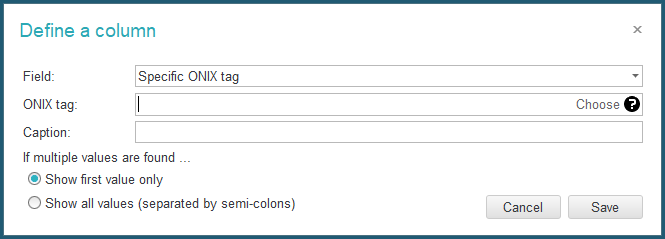
The first drop-down list presents some common ONIX fields to place in the main list:
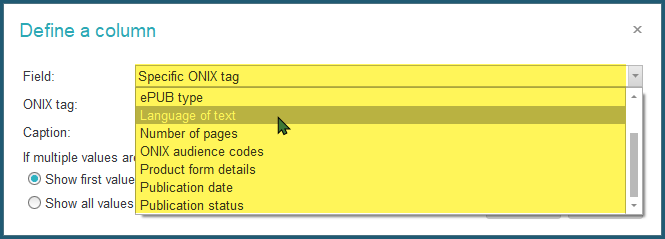
If you select one (for instance "Language of text"), you will get as a result, the corresponding XPATH instruction leading to that information in ONIX:
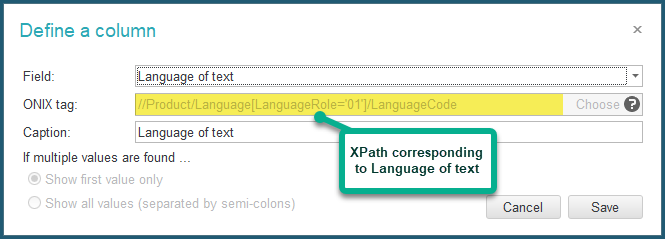
You can edit XPATH instructions if you need to target specific ONIX metadata tags precisely or if you want to alter their values. Please, check section "Defining XPATH instructions" for more details.
If you are an ONIXEDIT Server user, you will also see your "Custom Fields" in the Field drop-down list:
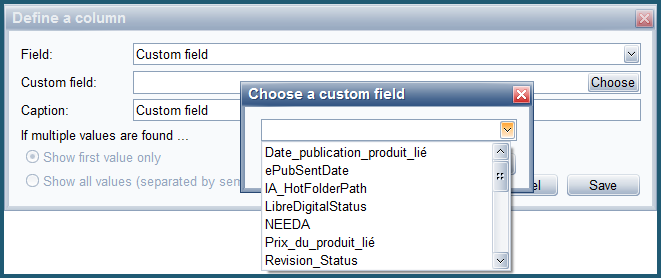
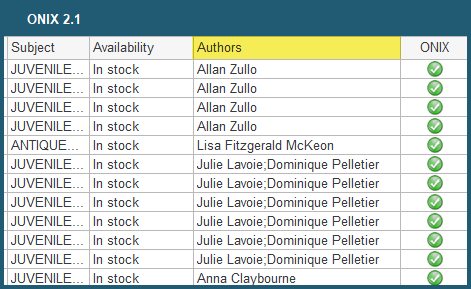
For each field that you will add, you must define its caption that will be shown in the corresponding column header: