Media Space tab
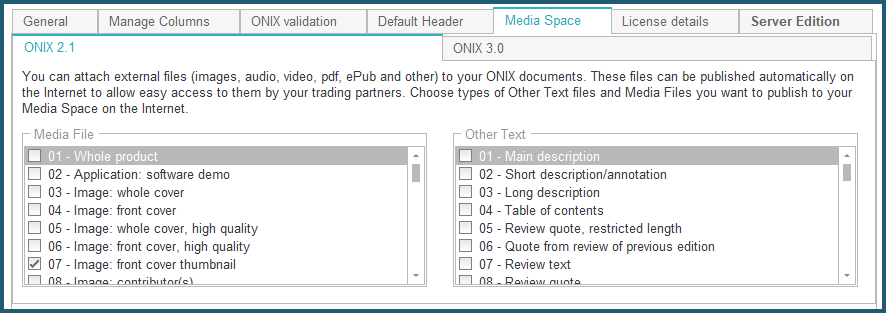
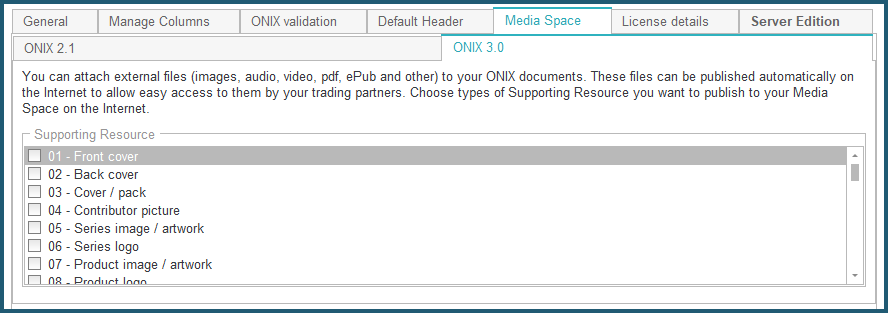
The tab Media Space allows you to define which type of file you want ONIXEDIT to select automatically for you when it is time to upload external files (Media Files and Other Text Files) to your Media Space (included with ONIXEDIT Pro and optional with ONIXEDIT Regular edition). See the Media Space section for details:
Also, you can control images size with the following options:
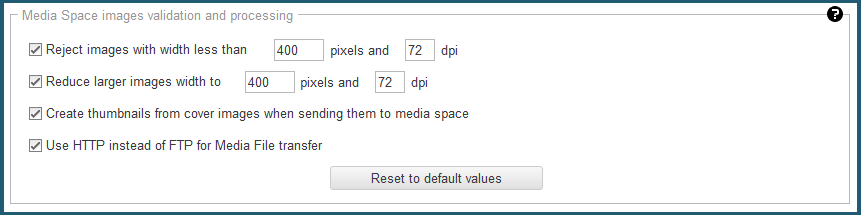
By default, ONIXEDIT will reject images that are too small and will reduce those that are too big to fulfill best practices of the industry for images like front and back cover. But you can change these settings to suit your needs.