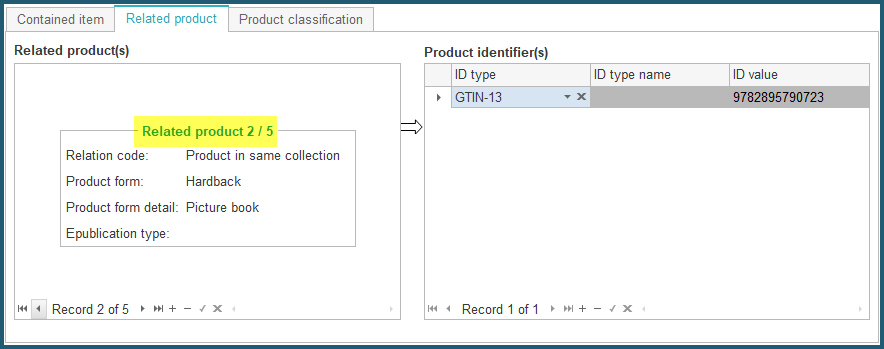
Related Products tool
Since version 3.4.12, ONIXEDIT provides a new Related Products assistant tool to help you define relationships between your ONIX products.
When you add a new RelatedProduct sub-record:
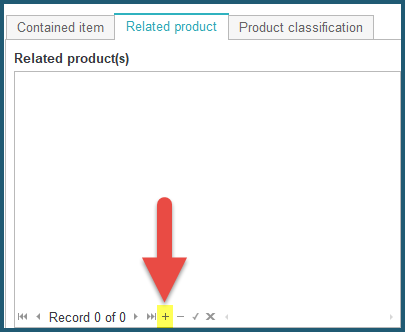
The Related Products tool automatically appears. By default, it will show products from the same ONIX file (or ONIXEDIT Server catalogue) with the same title as the current one:
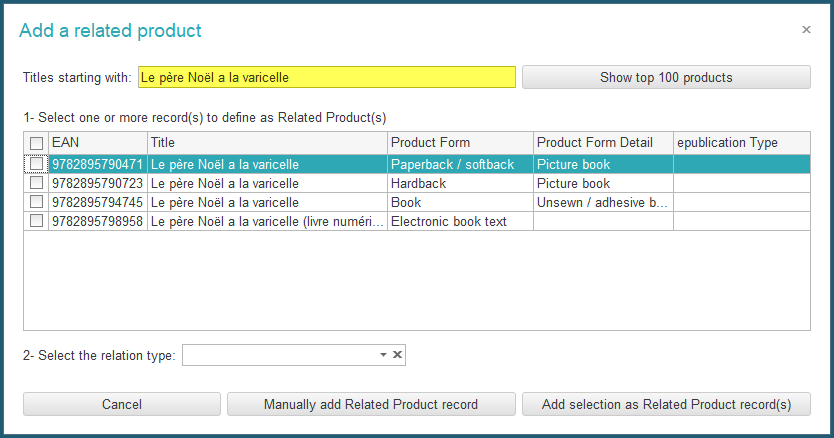
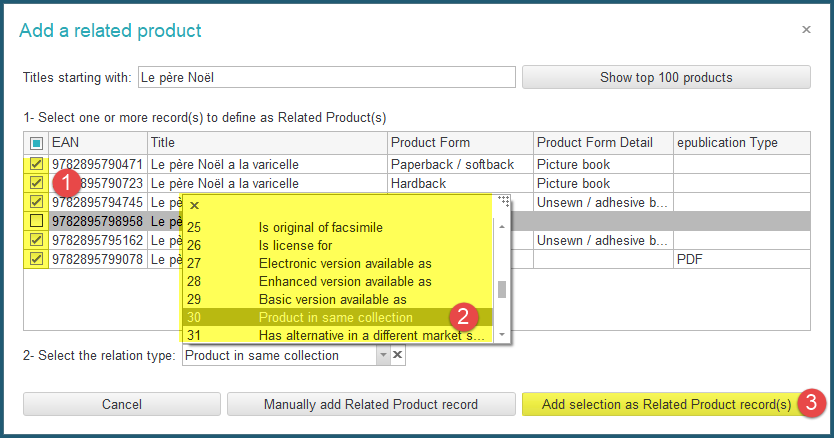
You can edit the search criteria. For instance, by removing some ending characters from the suggested criteria and clicking on the "Show top 100 products" button, we can find all the products of the same collection ("Le père Noël"):
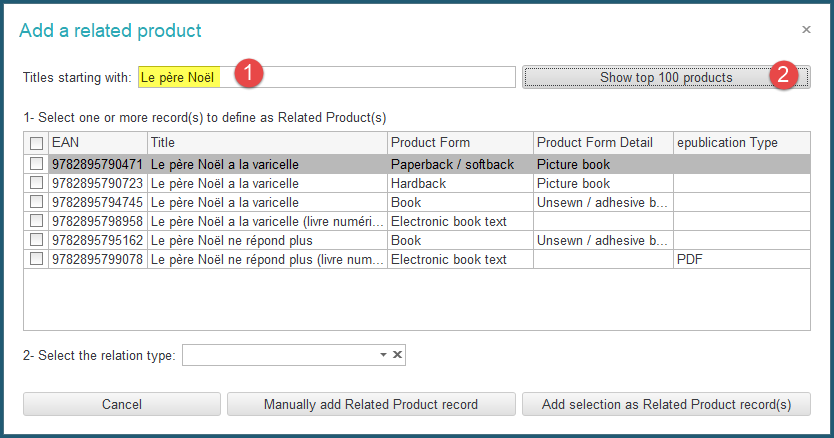
Once you find all the products of interest, you just have to:
- Select the products you want to relate;
- Choose the relation type;
- And click on the "Add selection as Related Product record(s)" button:
As a result, the selected products will be added automatically to the Related product section: