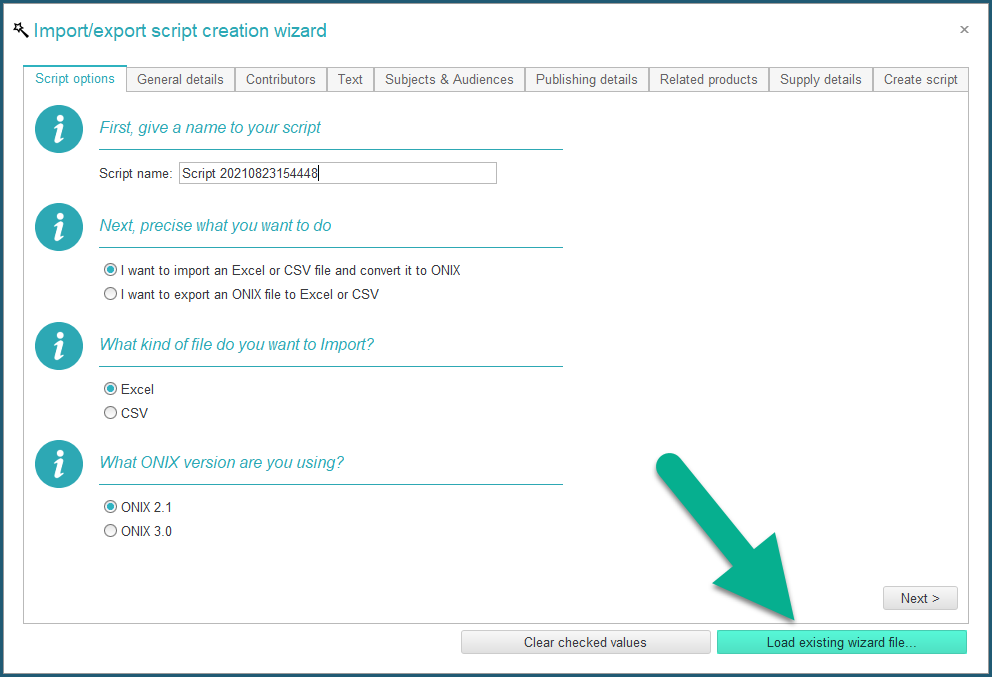
Use the Import/Export wizard
Since version 3.1.9, ONIXEDIT now provides a new easy way to create flat files and Excel files import/export scripts with the use of a specialized wizard:
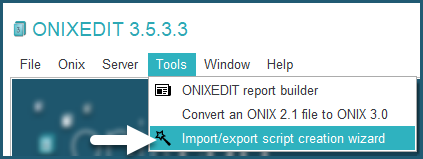
Using the wizard is easy as 1, 2, 3.
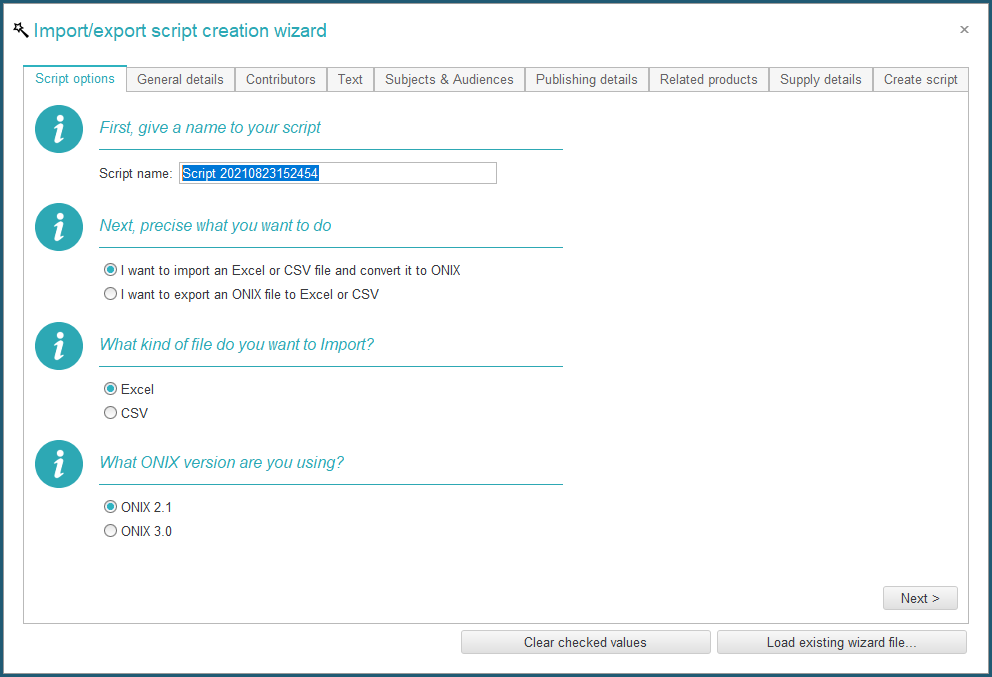
First, you answer some questions:
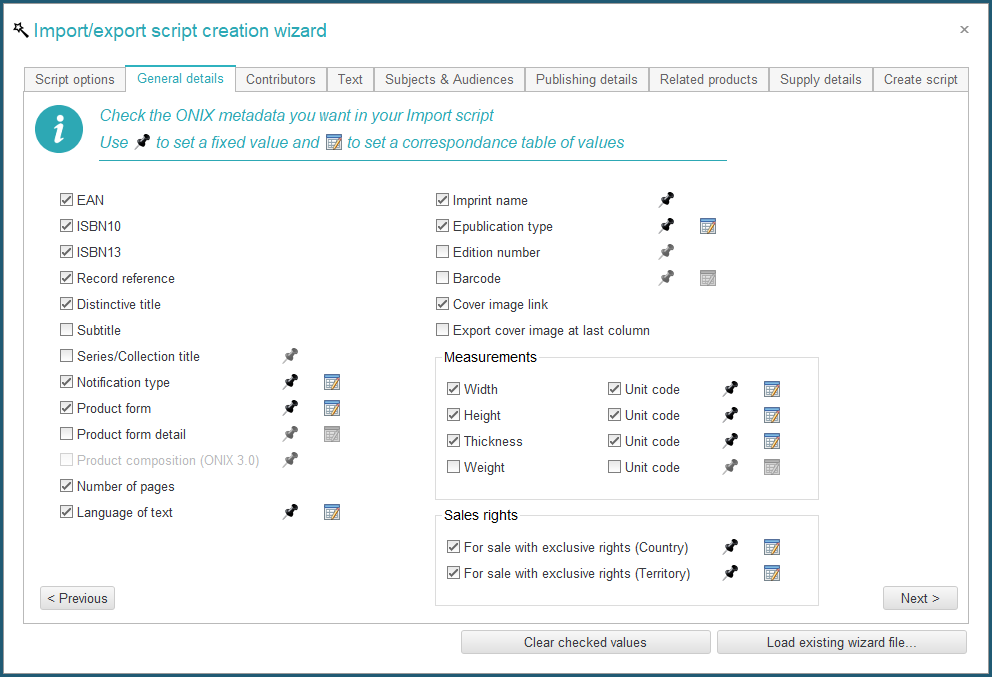
Then you select the ONIX fields that you want to include in your script:
Set the number of records for repeating groups like Contributors and Prices:
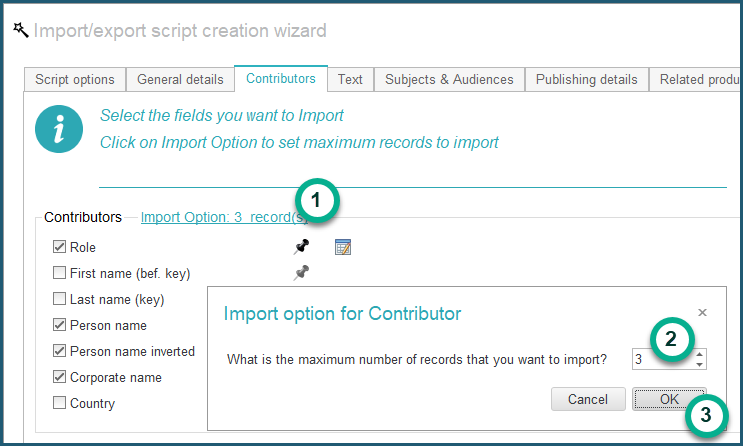
And you're done!
You can even set fixed values for specific fields:
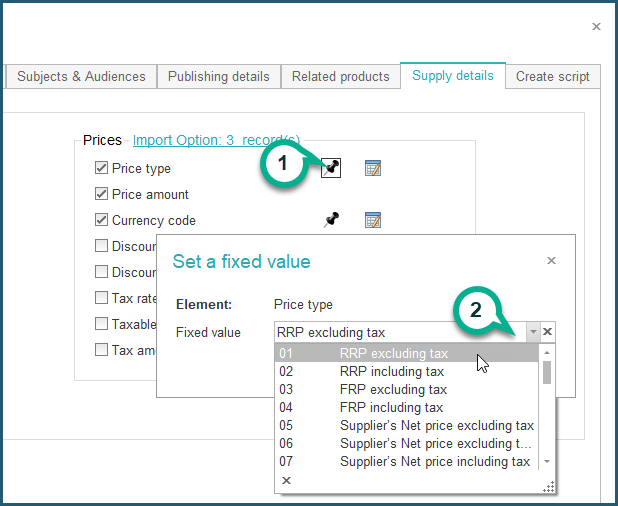
And even correspondence tables to translate imported values:
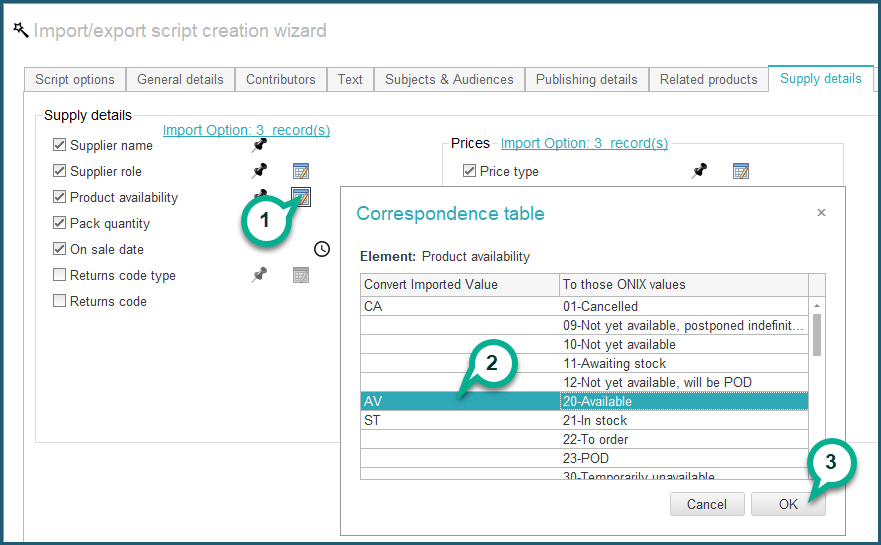
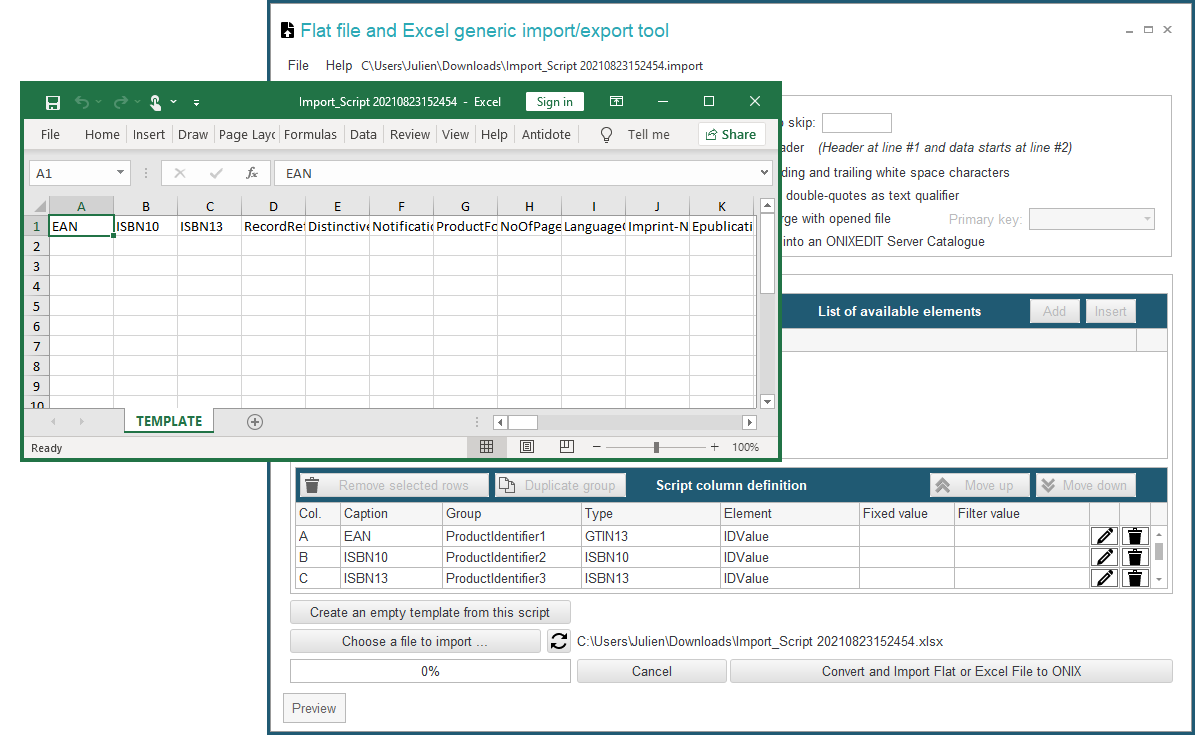
At the last step, the import/export wizard will create your ONIXEDIT import/export script and an Excel template with all the required columns to start from (for Import):
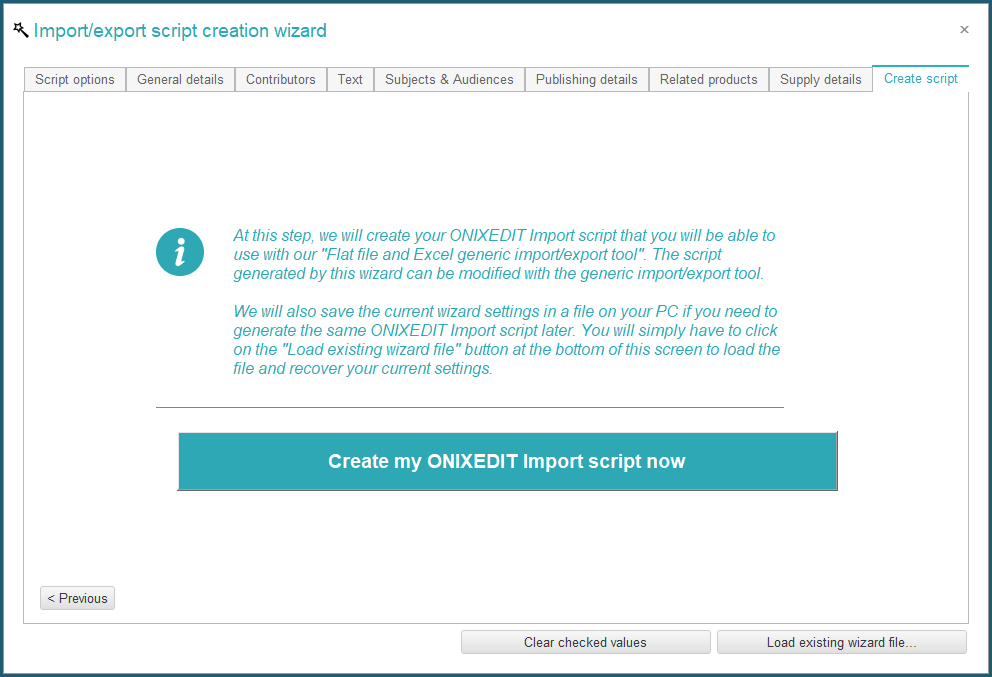
It will also save a wizard definition file if you want to use it later as a starting point for your next wizard usage: